Choose your own TP point – without the ugly bed!
With the latest update the Devs have finally given us the option to choose where we end up when teleporting home, the problem is its to a bed, which can be in the way or unsightly. This is how to get around that!
– First, choose your spot in your build, ideally 1 square foundation in size.
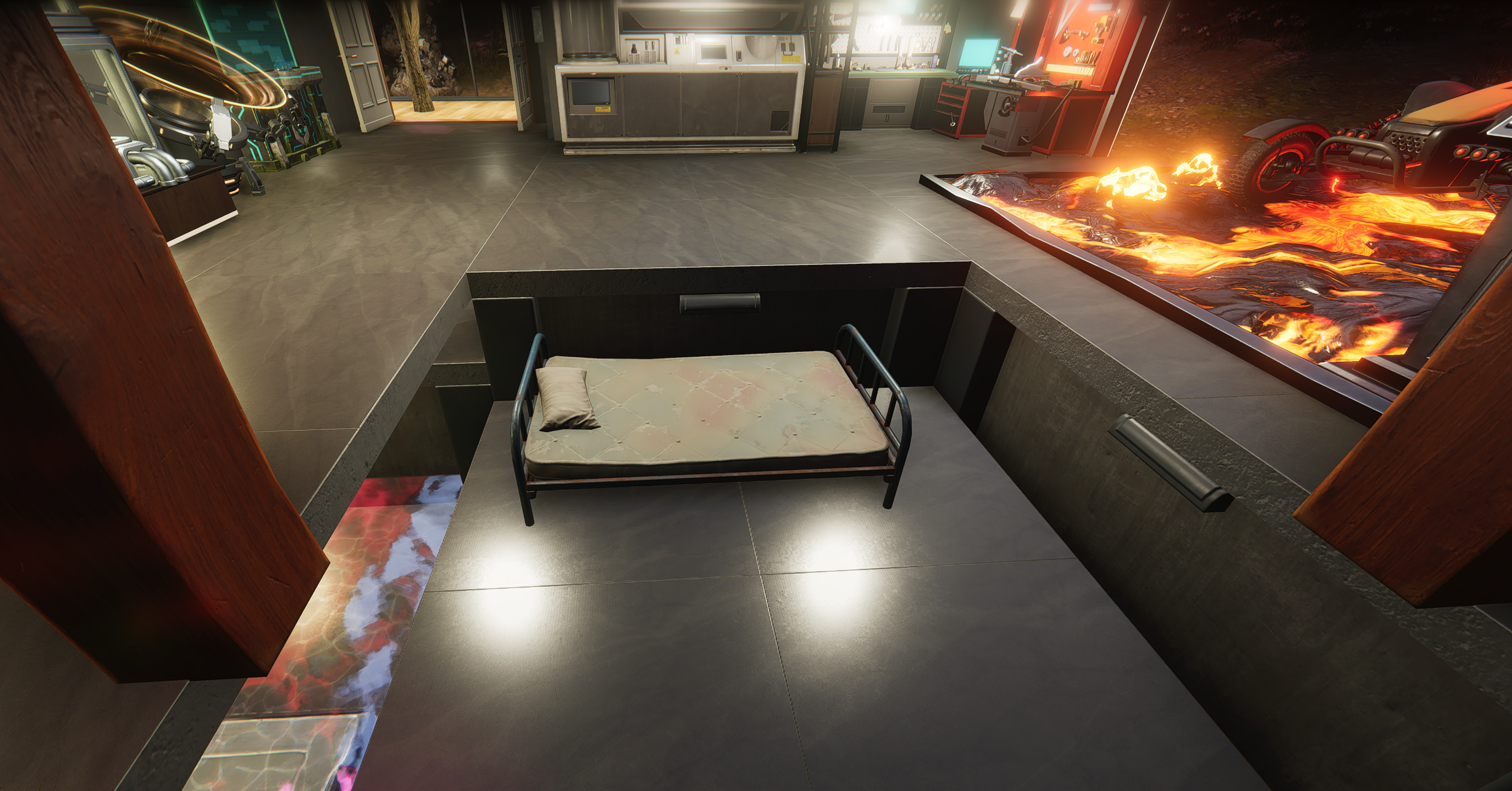
– Highlight foundation and press F to move. Then use alt+scroll wheel and go down 3 clicks.
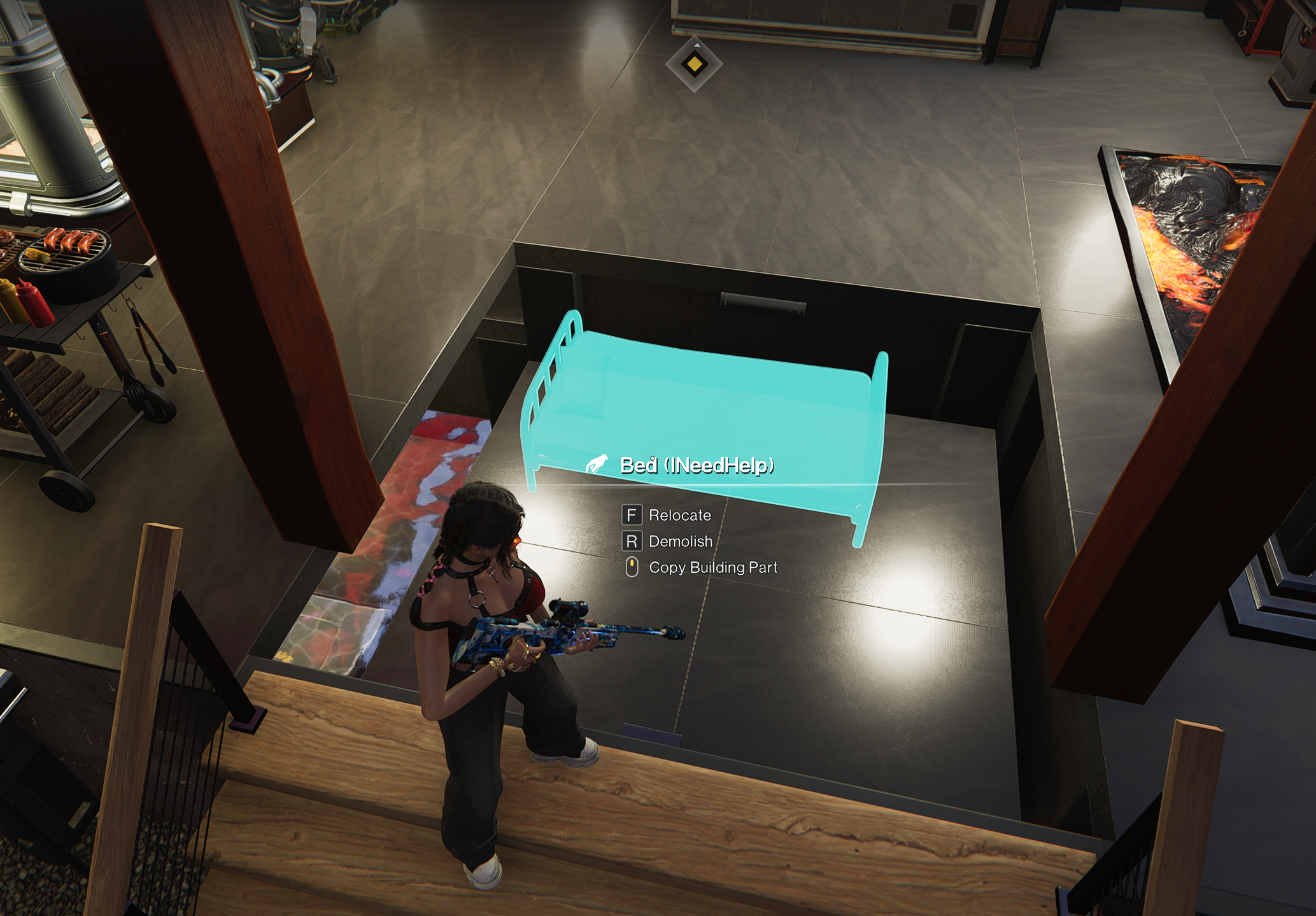
– Place the simple bed from memetics down.
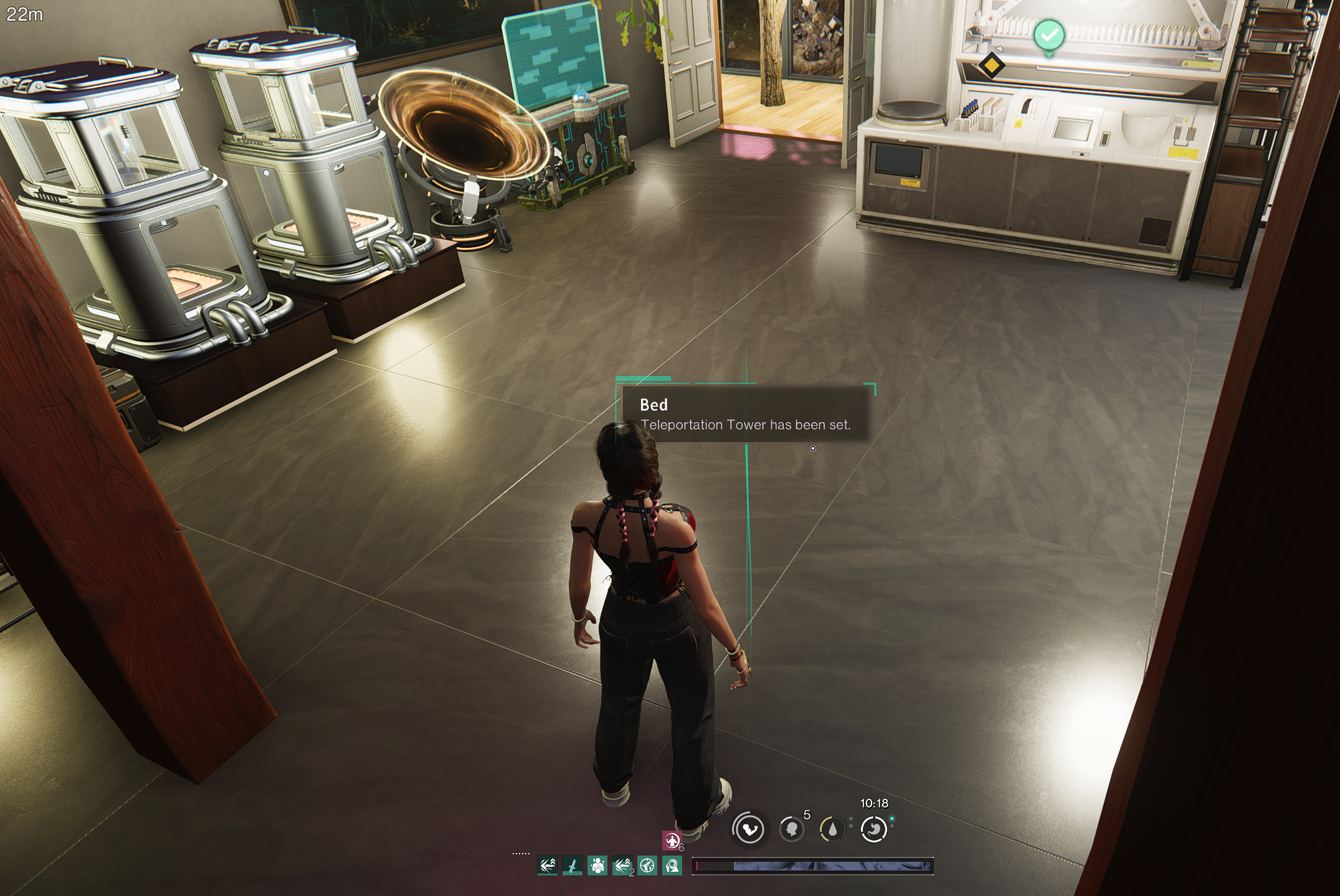
– Use G on the bed to set the teleportation point.
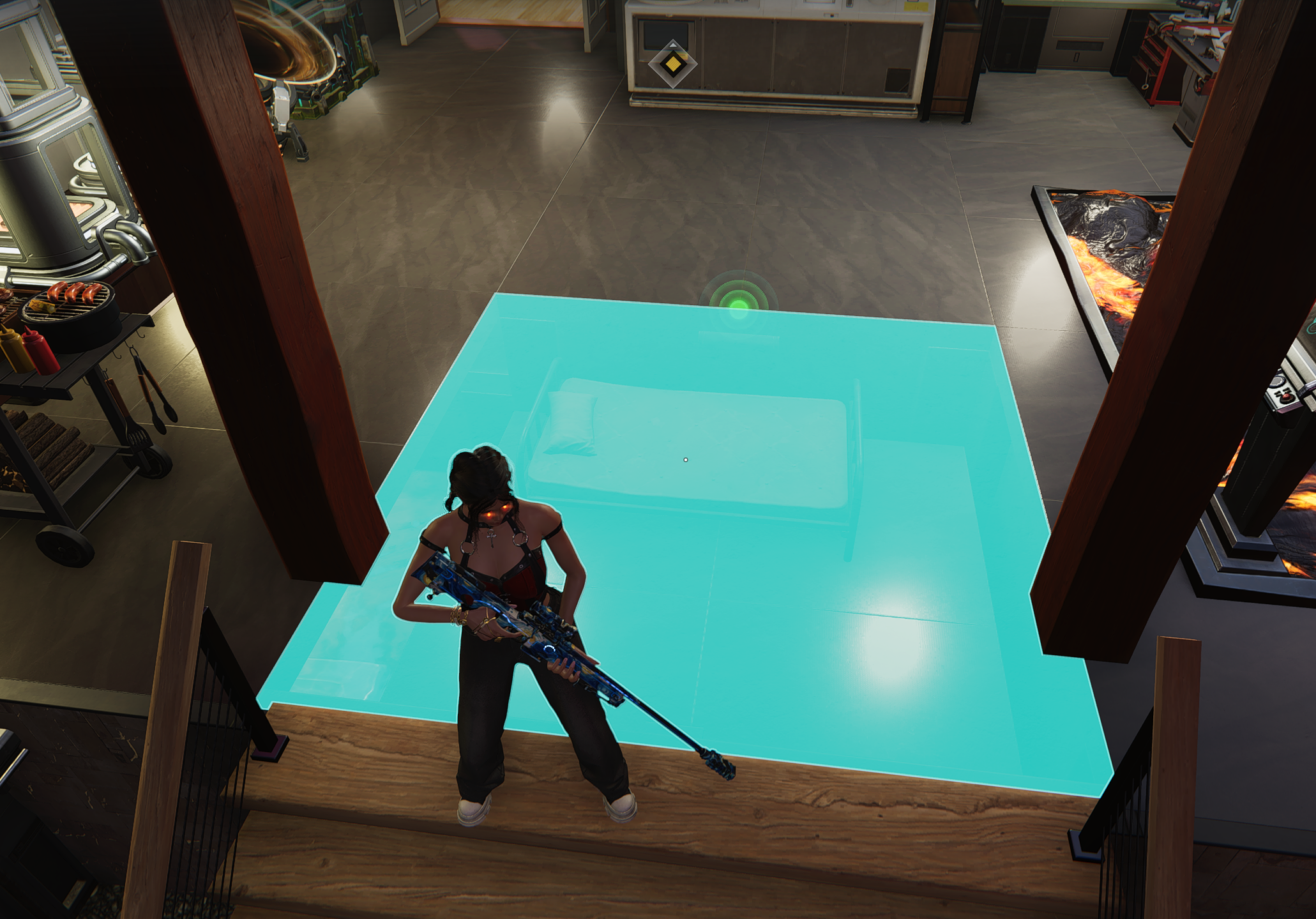
– Snap a square ceiling piece to the surrounding foundation to completely hide the bed.
– Bravo! enjoy teleporting to where YOU want, not just to the centre of territory, all without having to build around a bed!